GitLab integration
This documentation explains how to configure the Harbor integration available in GitLab. This integration allows you to use Harbor as a container registry for your GitLab projects.
Create a robot account in Harbor
To allow GitLab to connect to Harbor, you must create a dedicated robot account for it.
Robot accounts cannot connect to the Harbor interface.
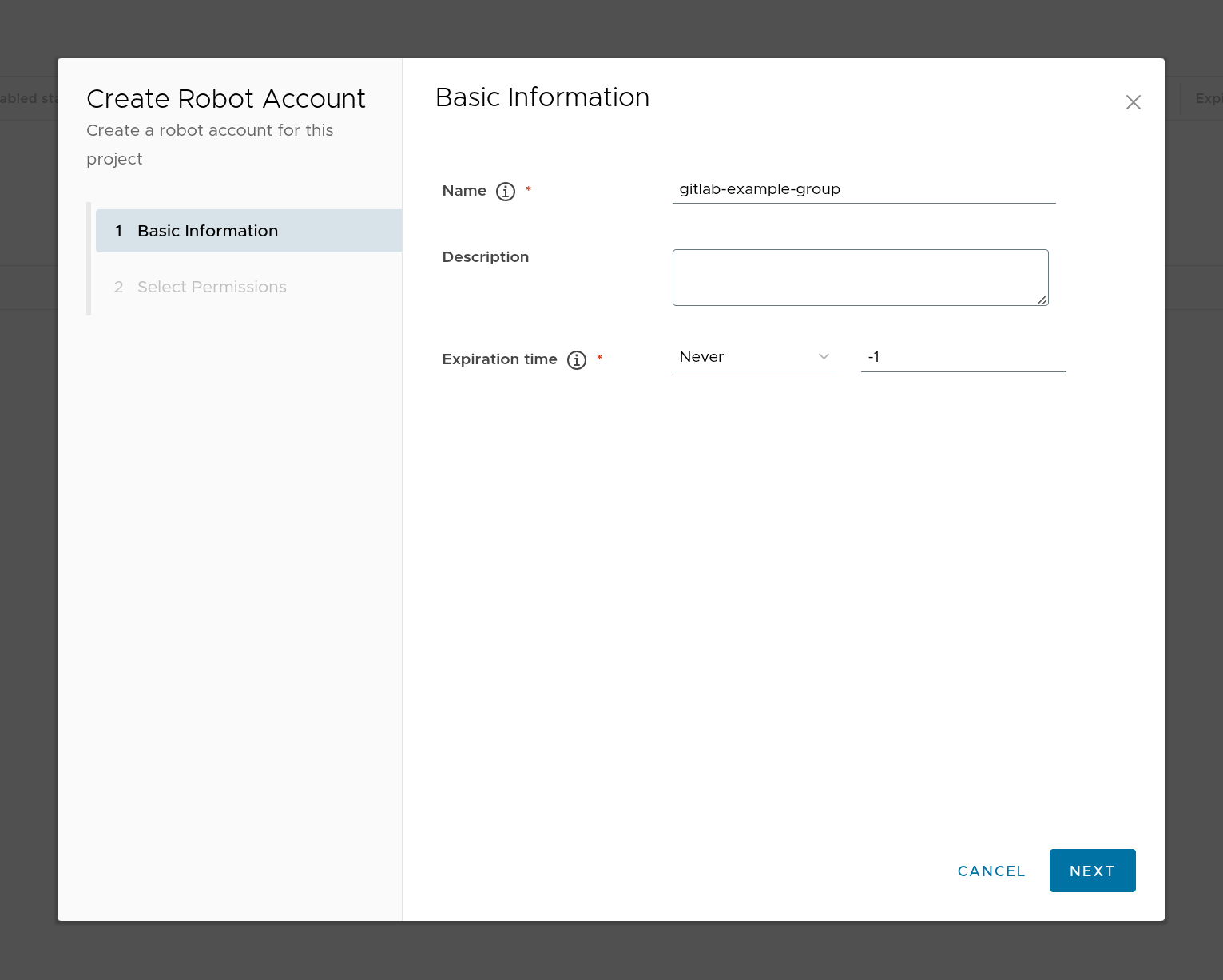
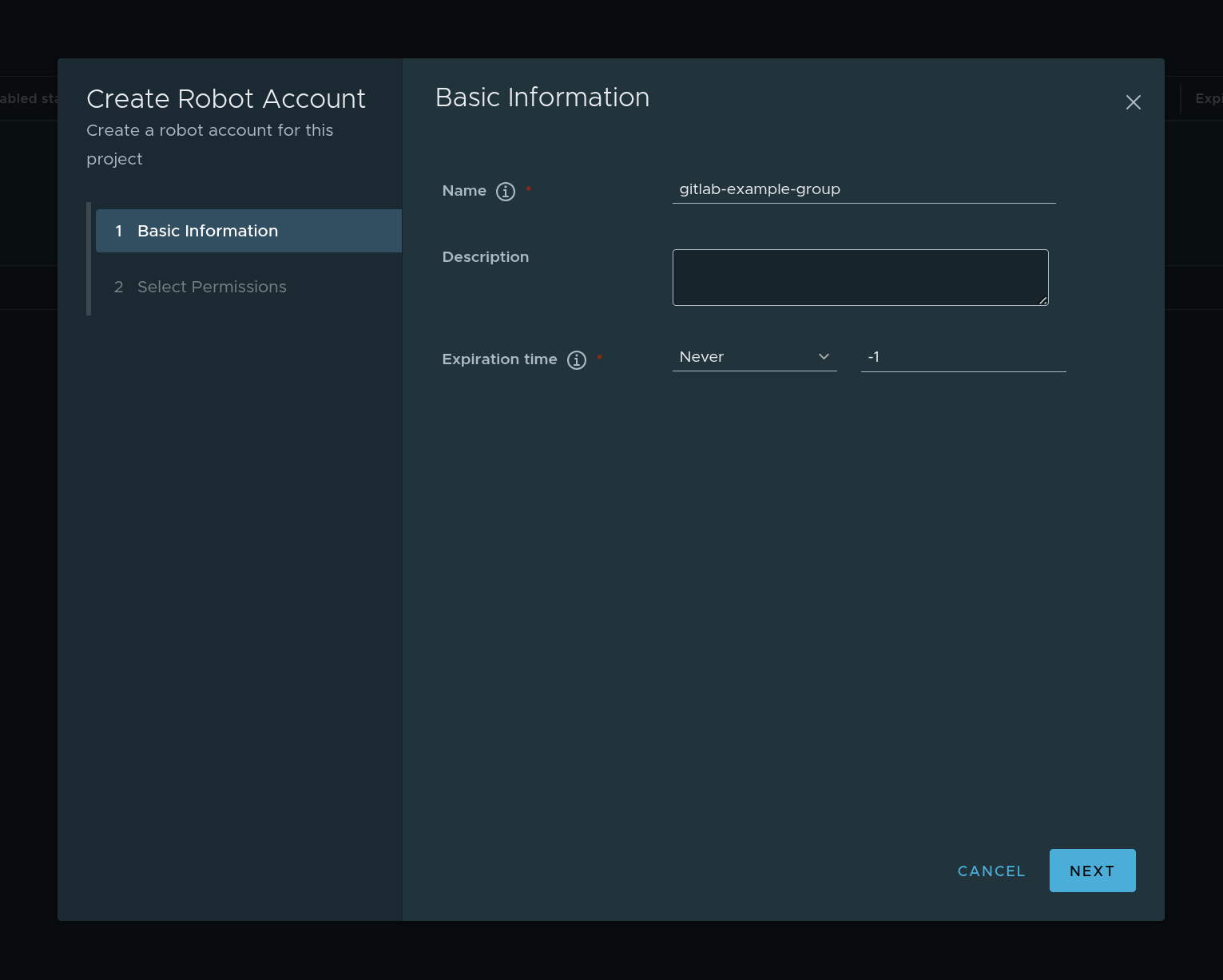
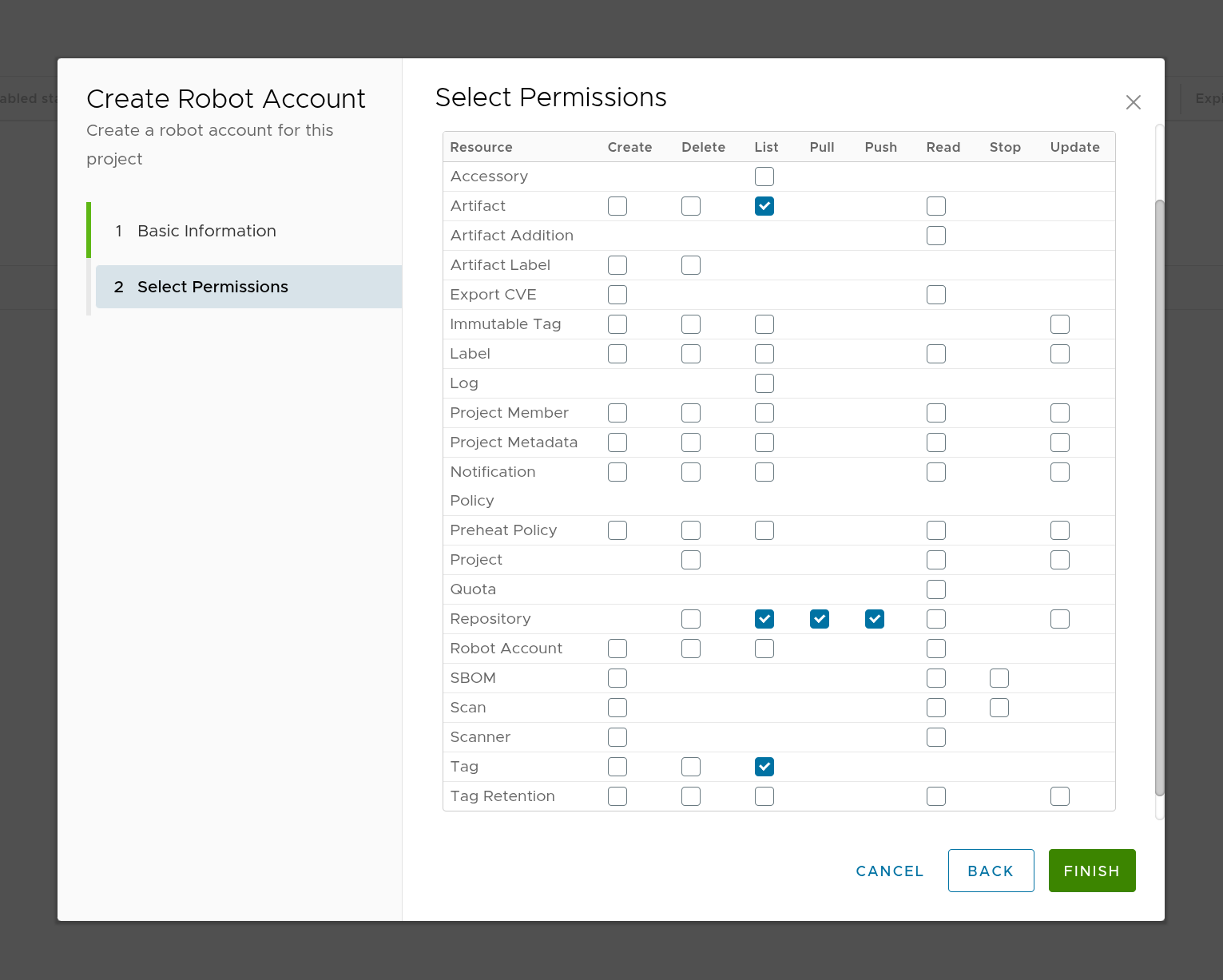
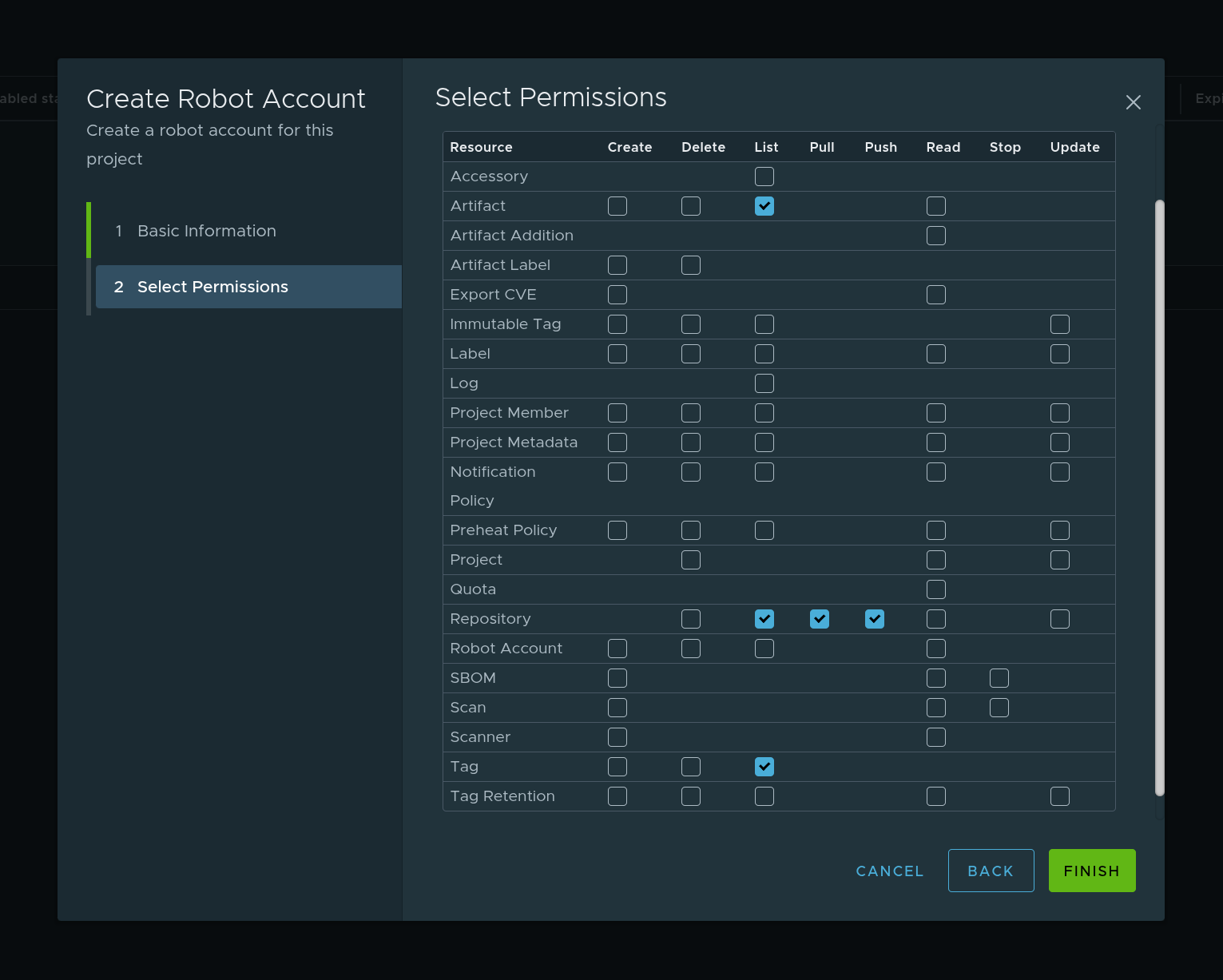
This account must have the following permissions:
- Artifact :
List - Repository:
List,Pull,Push - Tag:
List
The List permissions allow GitLab to view the Harbor registry.
Once the account has been created, note the following information:
- The robot account name (in the format
<prefix><project_name>+<account_name>) - The robot account secret
- The Harbor project name
- The URL of your Harbor
Configure Harbor integration in GitLab
In GitLab, integration can be configured at the group or project level.
The integration configuration made at the project level replaces the one made at the group level.
It is configured as follows:
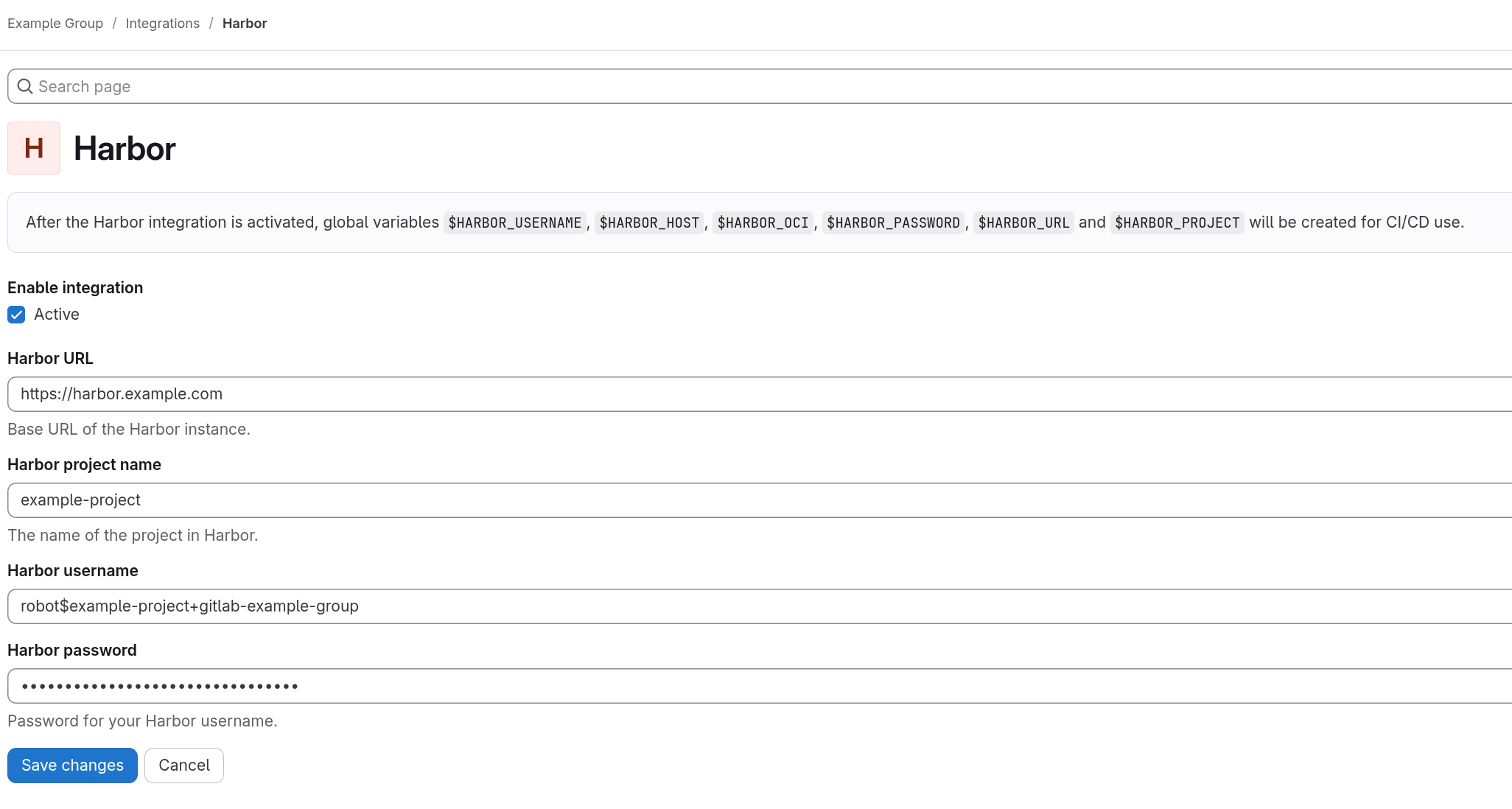
- From your group or project, go to Settings > Integrations
- Select Harbor
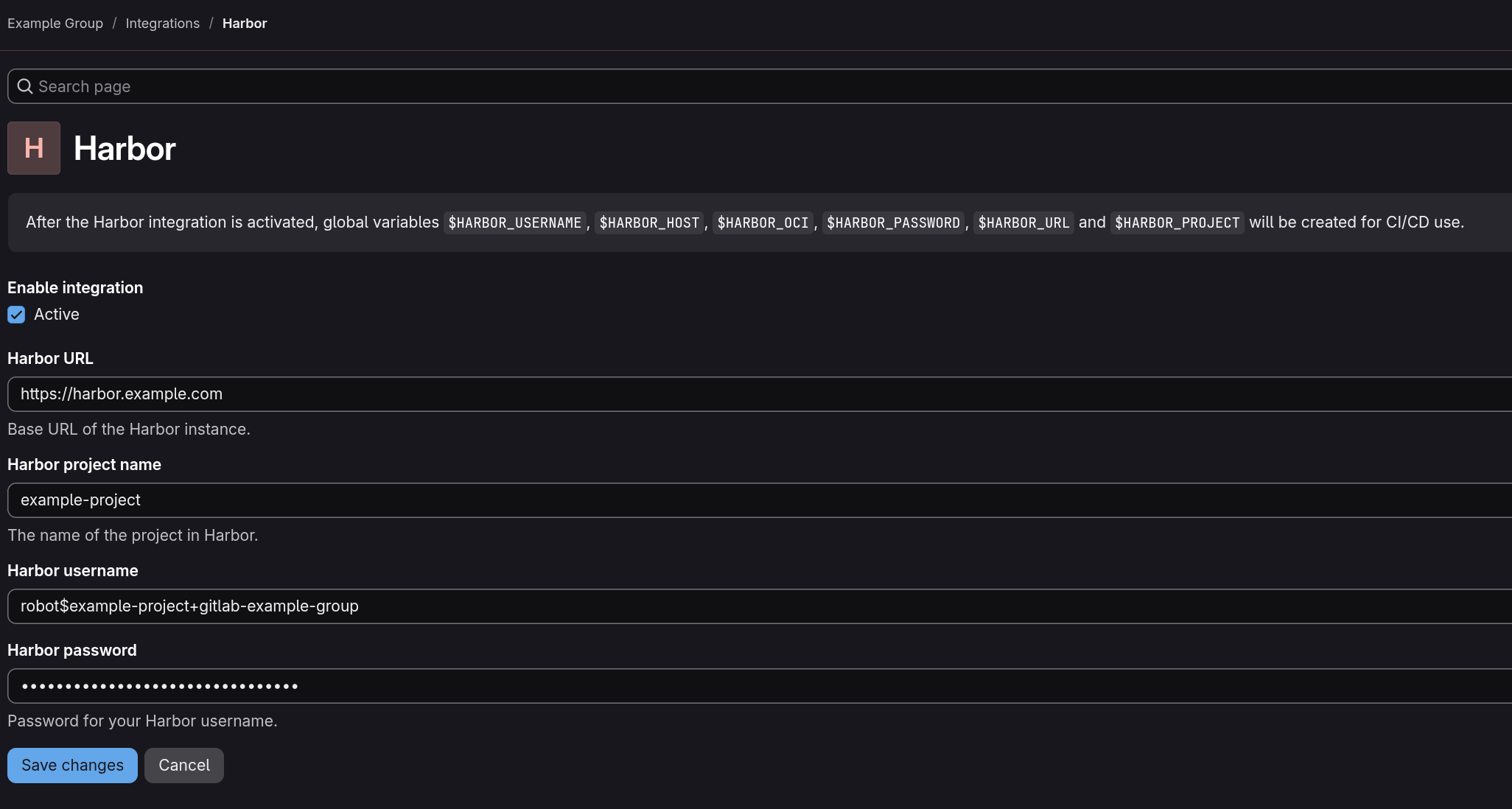
- Fill in the configuration information:
- Harbor URL: the URL of your Harbor instance
- Harbor project name: the name of your Harbor project
- Harbor username: the name of the Harbor account
- Harbor password: the user's password
- Click Save changes
Using Harbor variables in GitLab CI
Once Harbor integration is enabled, the global variables $HARBOR_USERNAME, $HARBOR_HOST, $HARBOR_OCI, $HARBOR_PASSWORD, $HARBOR_URL, and $HARBOR_PROJECT will be created for use in CI/CD.
Below is an example of how to use these variables in a Docker image build job with Buildah.
build-with-buildah:
  stage: build
  image: quay.io/buildah/stable:latest
  before_script:
    - echo "$HARBOR_PASSWORD" | buildah login --username "$HARBOR_USERNAME" --password-stdin $HARBOR_HOST
  script:
    - buildah build --tag $HARBOR_HOST/$HARBOR_PROJECT/$CI_PROJECT_NAME:latest .
    - buildah push $HARBOR_HOST/$HARBOR_PROJECT/$CI_PROJECT_NAME:latest
  after_script:
    - buildah logout $HARBOR_HOST
View the Harbor registry in GitLab
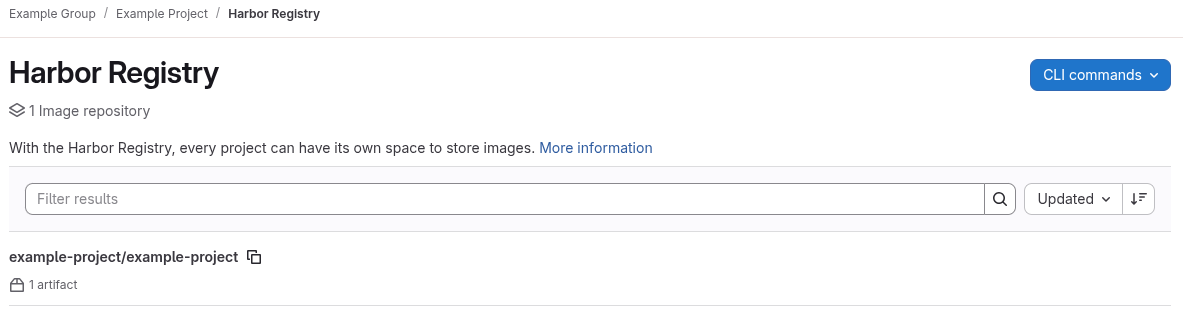
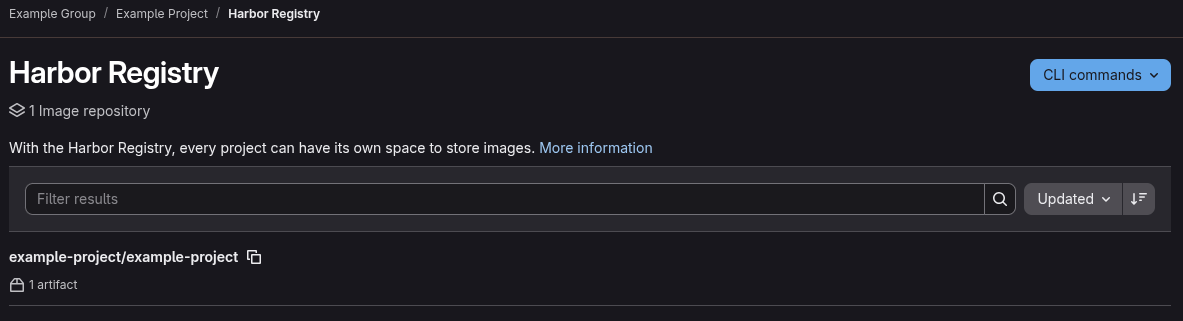
You can view the Harbor container registry for a project or group.
- Navigate to your project or group
- Go to Deployment > Harbor Registry
You can search, sort, and filter images on this page.
Source
This documentation is based on the following documentation: