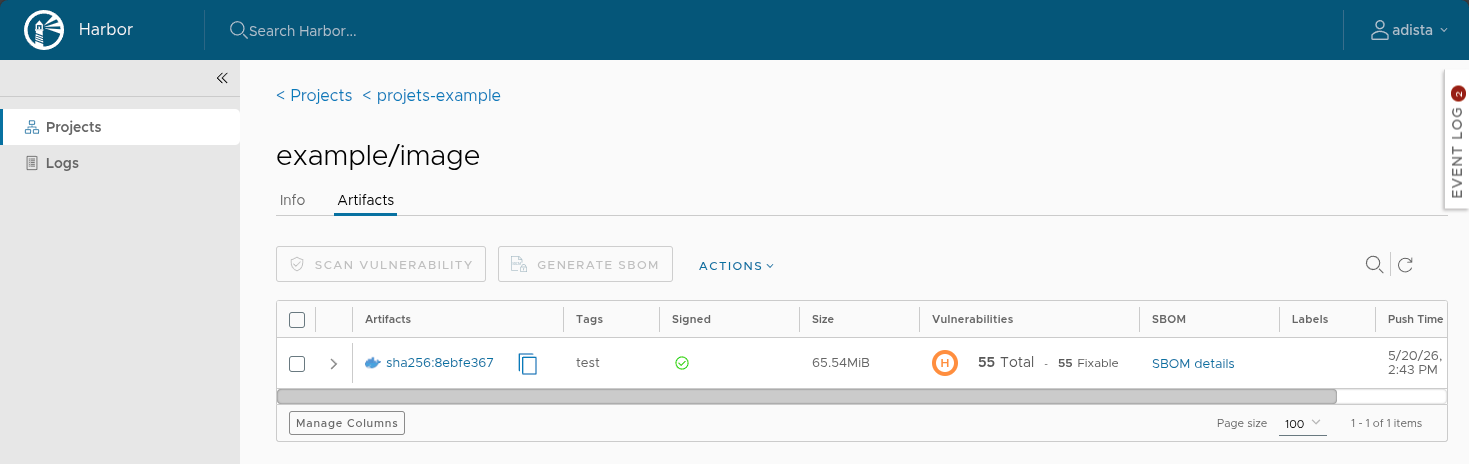
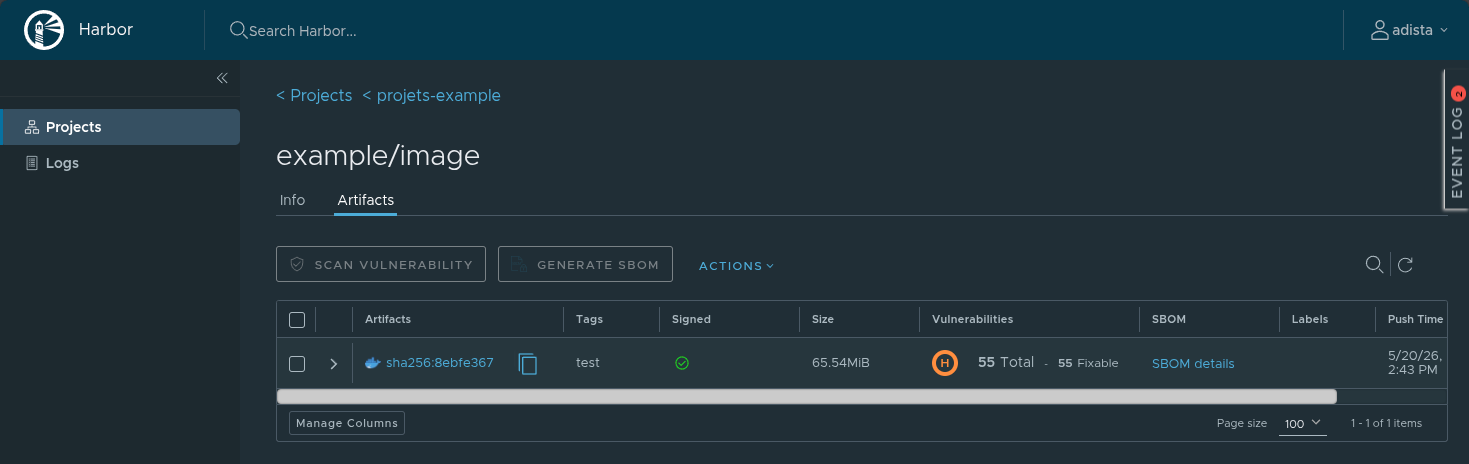
Cosign signatures not recognized in Harbor
This problem has been fixed in Harbor v2.15.
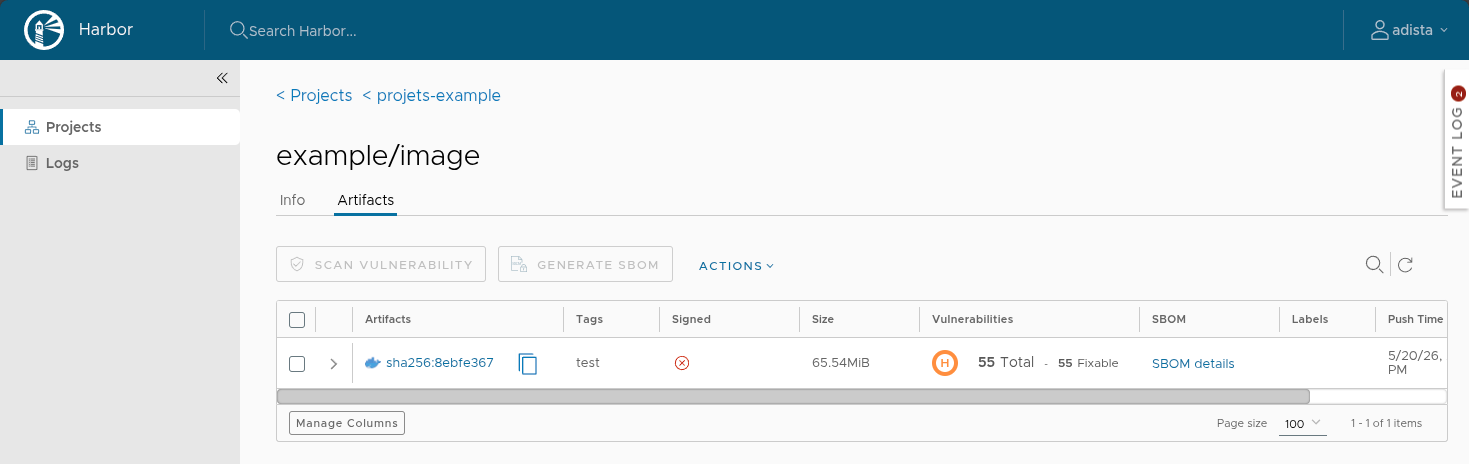
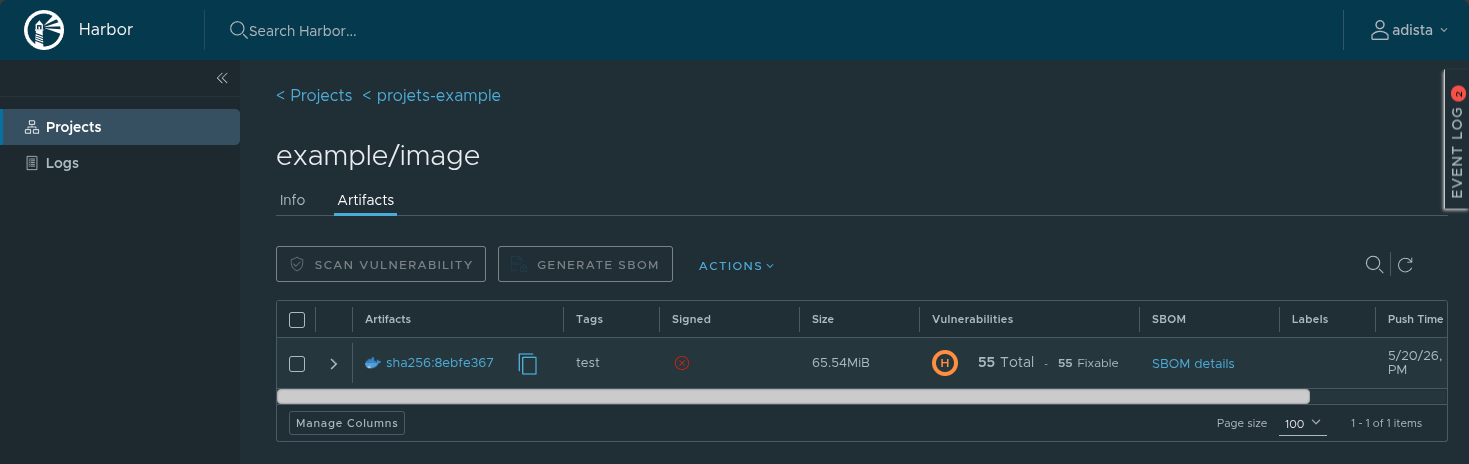
Images signed with recent versions of Cosign (v2.6.0 and later) no longer display the signature validation badge in the Harbor interface.
Root cause
The Cosign tool recently updated its default signature format to adopt more robust bundles structures:
- Cosign v2.6.0 introduced an option named
--new-bundle-format. - Cosign v3.0.0+ enabled this new bundle format by default.
With this new format, the generated and pushed artifact type is application/vnd.dev.sigstore.bundle.v0.3+json. Even if Harbor
correctly stores signature metadata in the registry, it fails to display the badge in the interface.
Problem Solving
For the Harbor interface to recognize and display your images as signed again, there are different options:
Option 1: update Harbor
This issue was reported in #22401 and fixed in Harbor v2.15. The simplest solution is to update your Harbor server. If it is hosted by adista, it should already be up to date.
Option 2: modifying the Cosign CLI
# Former command
cosign sign $IMAGE_DIGEST

# New command
cosign sign --new-bundle-format=false --use-signing-config=false $IMAGE_DIGEST
Checks
Once the image has been pushed and signed:
- Login to the Harbor interface.
- Access your project and click on the relevant image or tag.
- The green badge should reappear next to the tag/digest of your image, confirming the correct association of the accessory.